
By the GACS Team · Last updated October 2026
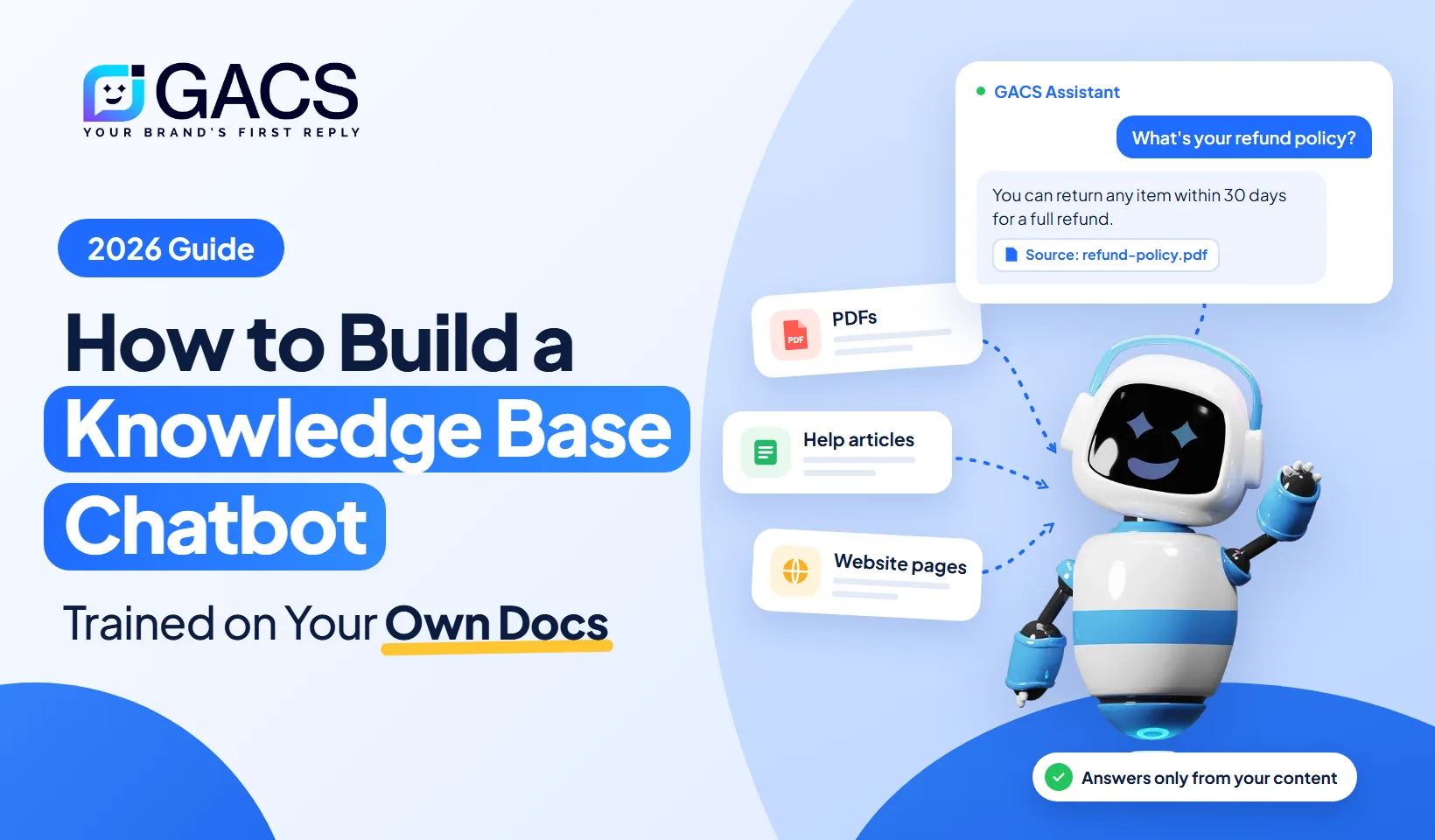
Quick answer: A knowledge base chatbot is an AI chatbot that answers questions using your own content, such as help articles, PDFs, and website pages. To build one, gather your documents, upload them to a RAG-powered chatbot platform, test the answers, and embed the chatbot on your website. With a no-code tool like GACS, you can do it without writing code.
What Is a Knowledge Base Chatbot?
A knowledge base chatbot is an AI assistant trained on your company's information instead of general internet data. When someone asks a question, it searches your documents, finds the relevant answer, and replies in plain language, often with a link to the source.
Businesses use them for three main jobs:
- Customer support: 24/7 answers on your website or WhatsApp
- Internal help: an internal AI chatbot for HR policies, onboarding, and IT support
- Sales: instant answers about features, plans, and pricing
How Does a Knowledge Base Chatbot Work? (RAG Explained)
Most knowledge base chatbots run on RAG, or retrieval-augmented generation, a method first described in a 2020 research paper. A RAG chatbot combines search with a large language model (LLM), so answers come from your content rather than the model's memory.
- Ingest: The chatbot imports PDFs, help articles, and website pages.
- Chunk: It splits each document into small sections.
- Embed: Each chunk becomes an embedding, a numerical representation of its meaning.
- Store: Embeddings are saved in a vector database.
- Retrieve: Semantic search finds the chunks most relevant to the user's question.
- Generate: The LLM writes an answer grounded in those chunks, with source citations.
Because answers come from retrieved content, a RAG-based chatbot makes far fewer mistakes than one relying on general training data.
Custom GPT vs Knowledge Base Chatbot
A custom GPT is a version of ChatGPT you configure with instructions and uploaded files, and you can attach up to 20 files to a GPT (OpenAI Help Center). It works well for personal use, but it has limits for businesses.
| Feature | Custom GPT | Knowledge base chatbot (GACS) |
|---|---|---|
| Where users access it | Inside ChatGPT | Your website, WhatsApp, and more |
| Website embedding | Not native | Built-in widget |
| Branding | ChatGPT interface | Your brand and tone |
| Lead capture | No | Yes |
| Human handoff | No | Yes |
| Analytics | Limited | Conversation reports |
Verdict: Use a custom GPT for personal productivity. Use a knowledge base chatbot when customers or teams need accurate, branded answers on the channels they already use.
How to Build a Knowledge Base Chatbot in 6 Steps
You can build one with a no-code chatbot builder. Here's the process with GACS.
Step 1: Gather Your Content
Collect what customers ask about most: FAQs, help articles, product guides, PDFs, and your pricing, shipping, and refund policies. Remove outdated documents first, because clean content produces better answers.
Step 2: Upload Documents and Connect Your Website
Upload your files and add your website URL so the chatbot can crawl your pages. Turn on syncing so answers stay current when your content changes.
Step 3: Set Instructions and Tone
Tell the chatbot to answer only from your knowledge base, keep replies short, and match your brand voice. These system instructions keep answers on-topic.
Step 4: Add a Fallback and Human Handoff
Decide what happens when the chatbot can't find an answer. A message like "Let me connect you with our team" protects trust far better than a guess.
Step 5: Test with Real Questions
Ask the 20 to 30 questions customers ask most often. Check each answer against its source, and update your documents wherever answers fall short.
Step 6: Add the Chatbot to Your Website
Paste the embed code into your site, or use a plugin for WordPress, Shopify, or Wix. You can also connect the same knowledge base to a WhatsApp AI chatbot, so customers get identical answers on every channel.
Developers can also build a custom AI chatbot from scratch with a RAG framework, a vector database, and an LLM API. That gives full control, but it means you own hosting, security, and maintenance. For most businesses, no-code is faster.
How to Stop Your Chatbot from Making Up Answers
AI hallucinations happen when a model fills gaps with confident but wrong information. Reduce them by:
- Restricting answers to your knowledge base
- Showing source citations
- Setting a confidence threshold that triggers the fallback
- Filling gaps using the unanswered questions report
- Reviewing conversations weekly in your first month
Is Your Data Safe?
Before choosing a platform, ask four questions:
- Is my data used to train public AI models?
- Is it encrypted in transit and at rest?
- Can I control which documents the chatbot accesses?
- Does the platform meet my compliance needs?
Business chatbot platforms typically keep your data separate and use it only to answer your users.
Knowledge Base Chatbot Use Cases
| Use case | Example question |
|---|---|
| Customer support | "What's your refund policy?" |
| IT support | "How do I reset my VPN password?" |
| HR and onboarding | "How many vacation days do I get?" |
| E-commerce | "Is this available in large?" |
Online stores can go further with an AI chatbot for ecommerce that answers product, sizing, and order questions.
Frequently Asked Questions
How do I train a chatbot on my own documents?
Upload your PDFs, help articles, and website pages to a RAG-based chatbot platform. It indexes your content, and the chatbot answers using only that information.
What is a RAG chatbot?
A RAG chatbot searches your documents for relevant information, then uses a large language model to write an answer based on what it found.
Can I build a knowledge base chatbot without coding?
Yes. No-code chatbot builders like GACS let you upload content, set instructions, and embed a chatbot without writing code.
Is a custom GPT better than a knowledge base chatbot?
A custom GPT suits personal use inside ChatGPT. A knowledge base chatbot is better for businesses, because it embeds on your website, captures leads, and hands off to humans.
How long does setup take?
With a no-code platform, a basic setup takes minutes to a few hours. Most of that time goes into gathering clean content and testing answers.
What's the best knowledge base chatbot for small businesses?
Look for a no-code setup, website and WhatsApp support, lead capture, human handoff, and clear data privacy terms.
Build Your Knowledge Base Chatbot with GACS
GACS turns your documents, FAQs, and website into a generative AI chatbot that answers customers 24/7, captures leads, and hands complex conversations to your team.
Start building your chatbot with GACS
Frequently asked questions
How do I train a chatbot on my own documents?
Upload your PDFs, help articles, and website pages to a RAG-based chatbot platform. It indexes your content, and the chatbot answers using only that information.
What is a RAG chatbot?
A RAG chatbot searches your documents for relevant information, then uses a large language model to write an answer based on what it found.
Can I build a knowledge base chatbot without coding?
Yes. No-code chatbot builders like GACS let you upload content, set instructions, and embed a chatbot without writing code.
Is a custom GPT better than a knowledge base chatbot?
A custom GPT suits personal use inside ChatGPT. A knowledge base chatbot is better for businesses, because it embeds on your website, captures leads, and hands off to humans.
How long does setup take?
With a no-code platform, a basic setup takes minutes to a few hours. Most of that time goes into gathering clean content and testing answers.
What's the best knowledge base chatbot for small businesses?
Look for a no-code setup, website and WhatsApp support, lead capture, human handoff, and clear data privacy terms.